
How to Organize Cables and Chargers Neatly for a Tidy Space
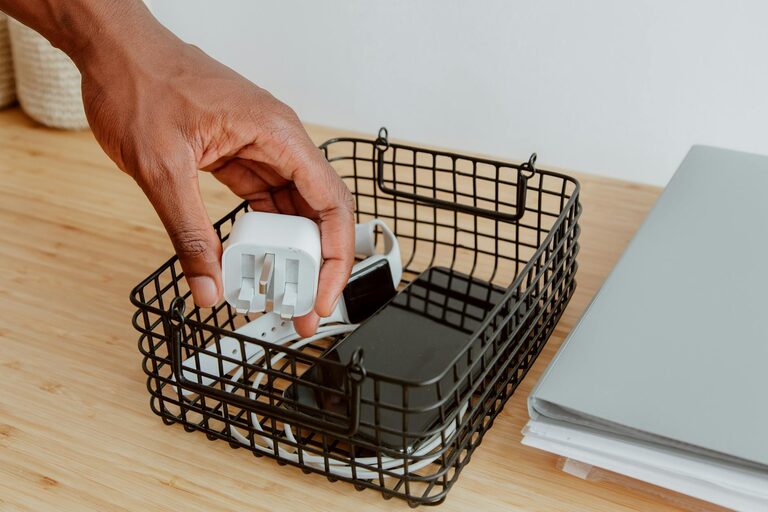
Keeping cables and chargers organized can make a big difference in your workspace or home environment. Messy cords not only look untidy but can also be frustrating when you need to find the right charger quickly. Fortunately, organizing these items doesn’t have to be complicated. In this post, we’ll explore easy and practical ways to keep your cables and chargers neat, accessible, and well-maintained.
Why Organize Cables and Chargers?
Before diving into the how, it’s important to understand the benefits of keeping cables and chargers organized:
– Reduces clutter: A tidy space feels more relaxing and productive.
– Saves time: Finding the right cable or charger becomes quick and hassle-free.
– Prevents damage: Proper storage prevents tangling and wear and tear.
– Enhances safety: Organized cables reduce tripping hazards and electrical risks.
With these advantages in mind, let’s look at specific tips to organize your charging essentials effectively.
Sort and Declutter First
Step 1: Gather All Cables and Chargers
Start by collecting every cable and charger from around your home or office. It’s easy to lose track of these small items in drawers, boxes, or behind furniture.
Step 2: Sort Them by Type and Use
Once gathered, sort cables by their type — for example:
– USB cables (Lightning, USB-C, micro USB)
– Power cords for laptops, phones, or tablets
– Audio cables and HDMI cords
– Chargers and power adapters
Also, group chargers based on the device they serve. This helps later when choosing an appropriate storage method.
Step 3: Discard or Donate Unused Items
If you find cables or chargers that no longer work or you don’t need, recycle or donate them responsibly. Keeping only what you actively use reduces clutter.
Choose the Right Storage Solutions
Use Cable Organizers and Ties
Keeping cables untangled is essential. Consider these inexpensive accessories:
– Velcro straps: Reusable and adjustable, perfect for bundling cables.
– Twist ties: Simple and affordable for short-term use.
– Cable clips and holders: Stick to desks or walls to keep cords in place.
– Cable sleeves: Encase several cables together for a cleaner look.
Label Your Cables
Adding labels to cords helps you identify them quickly. Use:
– Small adhesive labels or tags
– Washi tape with a marker
– Color-coded tags for different devices or purposes
Utilize Storage Boxes and Drawers
Assign a dedicated box, drawer, or container for your cables and chargers. Some ideas include:
– Compartmentalized boxes: Separate sections prevent cables from mixing.
– Plastic zip bags: Useful for grouping cables by type.
– Drawer organizers: Keep chargers and cords accessible and neat.
Optimize Cable Management Around Your Desk or Charging Station
Mount Power Strips Strategically
If you use multiple chargers at a desk or charging station:
– Mount power strips under your desk or on a wall to minimize visible cords.
– Use cable ties to bundle excess lengths and avoid tangling.
Use Charging Stations or Docks
Investing in a charging station can centralize your device charging and reduce cable mess. Many models offer multiple USB ports and slots for devices.
Keep Frequently Used Cables Handy
Use cable clips attached to your desk edge or charging area to hold cables you use regularly. This prevents searching and untangling each time.
Maintain Your Organized System
Regularly Inspect and Reorganize
Make it a habit to review your cables every few months. Untangle bundles, replace worn-out ties, and remove unused items.
Avoid Overstretching or Overbending
Properly coil cables when storing or using them to avoid damage. Use loops that are not too tight and avoid sharp bends.
Store Spare Cables Properly
If you keep extra cables for travel or later use, store them neatly in labeled bags or boxes, so they’re easy to find.
Additional Tips for Specific Situations
Traveling with Chargers and Cables
Use small pouches with compartments to keep cables organized in your luggage. Cable wraps or ties can prevent tangles on the go.
Managing Cables in Entertainment Centers
Use cable clips, ties, and sleeves to keep TV, gaming consoles, and speaker cables controlled and out of sight.
—
Organizing cables and chargers may take some initial effort, but the results are well worth it. With a few simple tools and routines, you can transform a frustrating tangle of cords into a neat, user-friendly system. Try these tips and enjoy a more organized, efficient space today!